California Secondhand Dealer Compliance Software

EZ-CAPSS helps California secondhand dealers capture transactions, maintain required records, and report to CAPSS with less manual work and lower compliance risk.

  • Built specifically for California CAPSS reporting
  • Structured transaction capture and audit-ready records
  • Designed for real-world dealer workflows and support needs

The compliance-focused system for California dealers who want to save time, reduce risk, and stay ready for reporting.

EZ-CAPSS

(CALIFORNIA)

California map graphic

Built for California secondhand dealers who need a reliable, compliance-first reporting workflow.

  • Direct integration with California CAPSS
  • Transaction capture built for regulated dealer operations
  • Consistent records for reporting, review, and audit readiness
  • Support focused on California compliance workflows

REQUEST A CALIFORNIA DEMO →

EZ-LEADS

(NATIONWIDE)

United States map graphic

Built for secondhand dealers outside California who need a simpler reporting workflow for LeadsOnline and related law-enforcement reporting requirements.

  • Designed for non-California dealer reporting workflows
  • Supports LeadsOnline-focused transaction submission
  • Helps reduce manual entry and inconsistent records
  • Better fit for dealers outside California who do not need CAPSS

VIEW EZ-LEADS PRICING →

Why California Secondhand Dealers Choose EZ-CAPSS

Built for California Reporting Requirements

Unlike generic POS systems, EZ-CAPSS is designed around California secondhand dealer compliance workflows.

Hardware Compatible

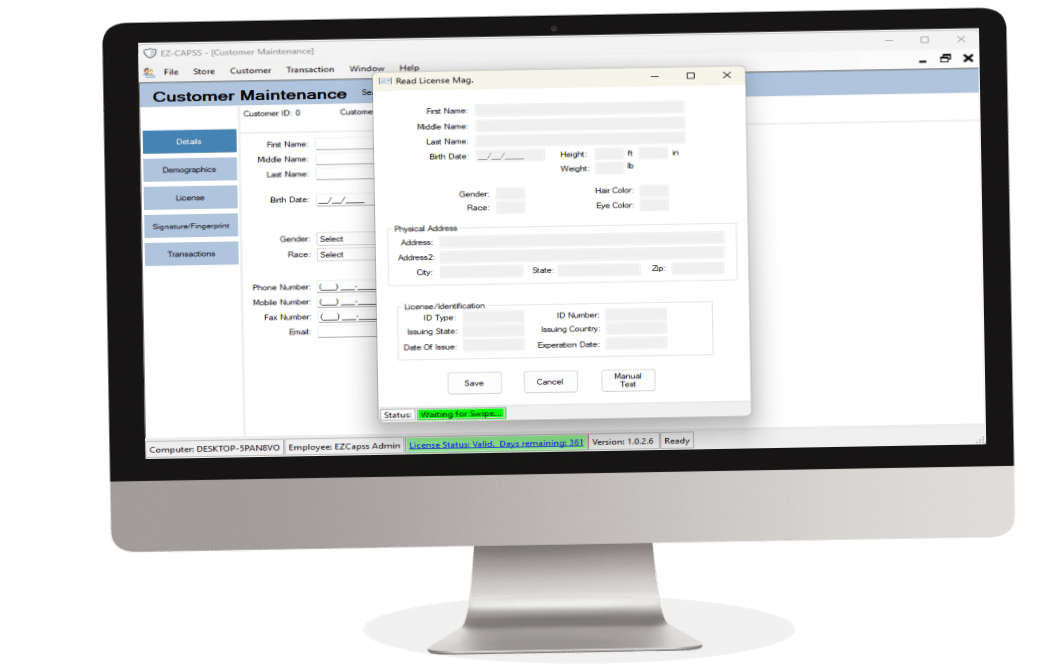
Works with Microsoft Windows (Intel) & supported barcode scanners, signature pads, and fingerprint scanners.

Streamlined Reporting Submission

Transactions are prepared and submitted through a workflow built for CAPSS and related reporting requirements.

How EZ-CAPSS / EZ-LEADS Works

See the basic path from transaction entry to compliant submission.

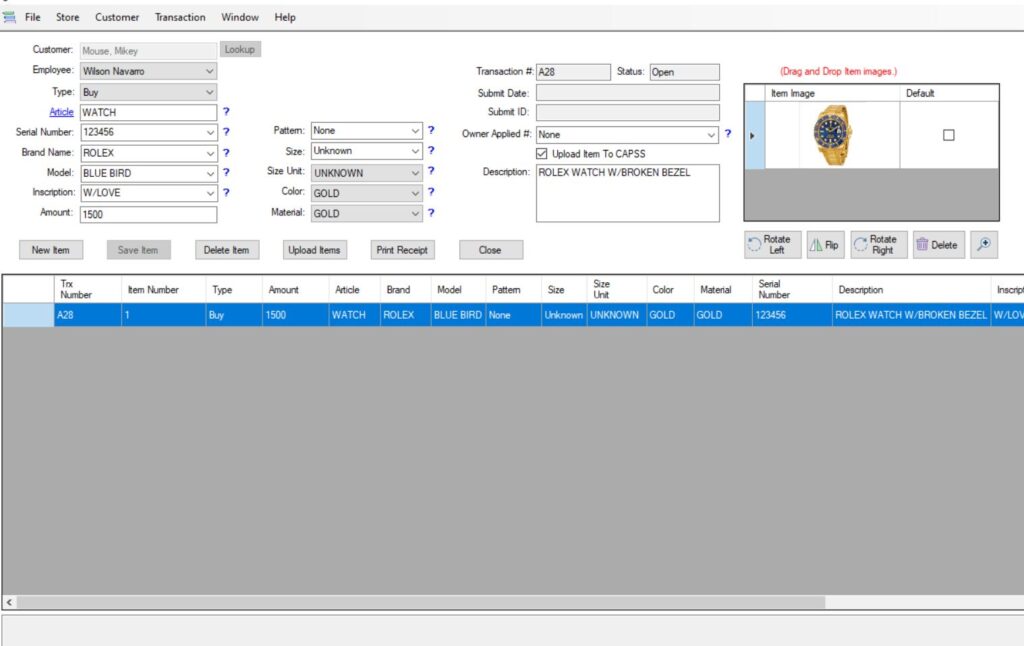
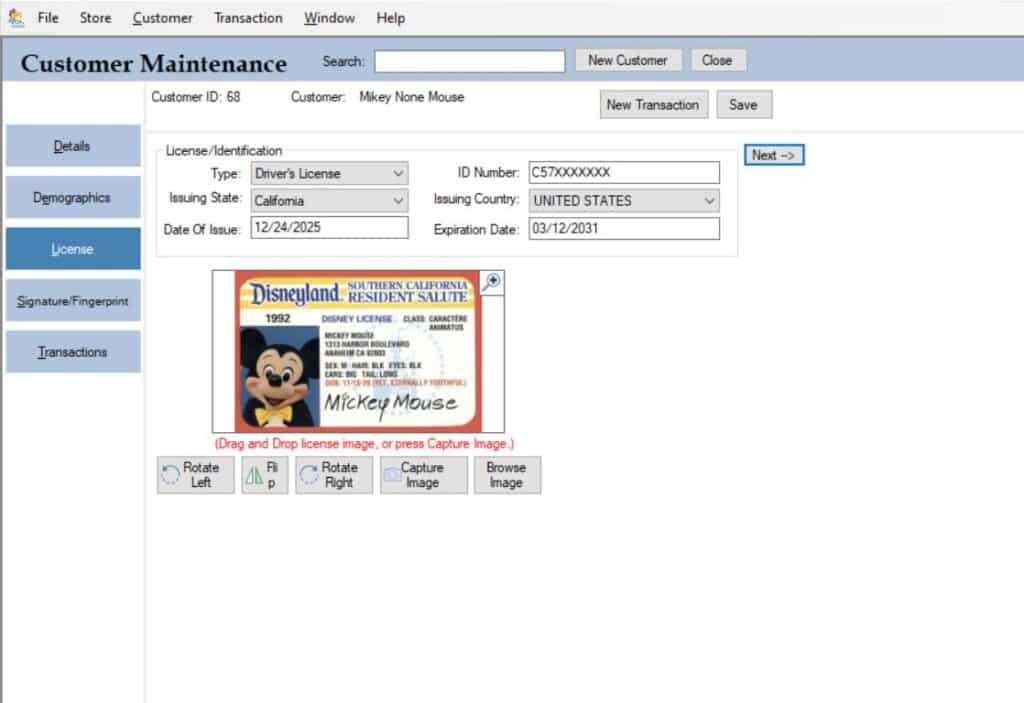
Step 1 – Enter Transaction

Record a purchase and seller information.

Step 2 – Validate Data

System verifies required information.

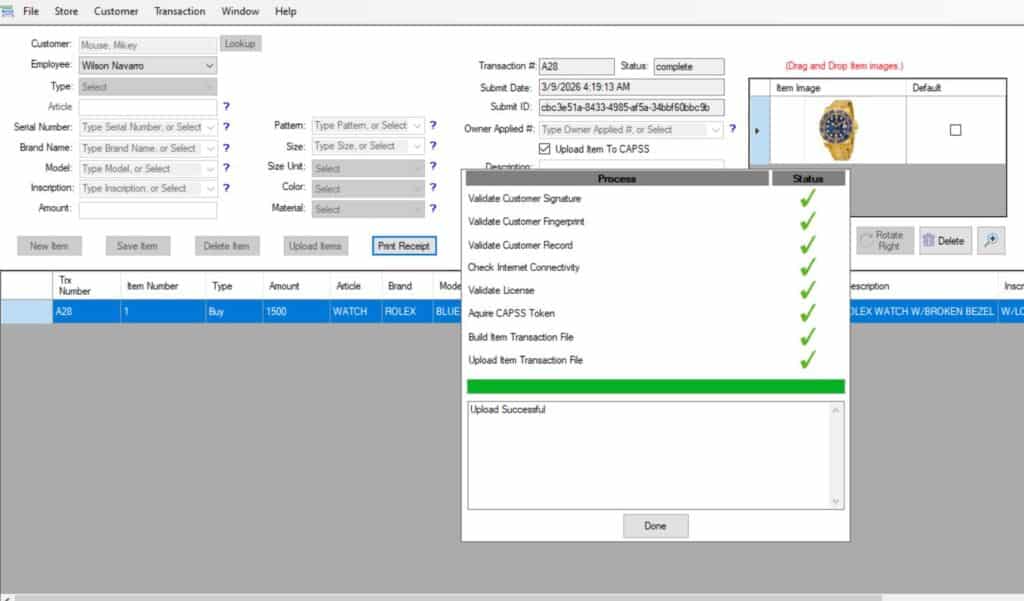
Step 3 – Submit to CAPSS/LEADS

Transaction automatically submitted to California DOJ or LeadsonLine

A Better Compliance Workflow

EZ-CAPSS helps dealers replace disconnected compliance work with one clearer process for CAPSS and LeadsOnline reporting, stronger records, and easier day-to-day review.

Where manual compliance breaks down

Manual tracking creates avoidable compliance risk.

When teams rely on spreadsheets, disconnected tools, or store-by-store workarounds, reporting becomes harder to keep consistent across CAPSS (California) and LeadsOnline (nationwide).

That usually leads to issues like:

  • duplicate data entry that wastes staff time
  • missing or inconsistent transaction records
  • delayed submissions and harder internal review

What EZ-CAPSS gives your team

One clearer workflow for records, review, and reporting.

Instead of piecing compliance together manually, EZ-CAPSS gives your business one more structured system for capturing transactions, checking records, and preparing submissions.

  • One workflow across systems for CAPSS and LeadsOnline reporting
  • Stronger record consistency across users, locations, and review steps
  • Less duplicate entry and fewer manual reporting mistakes
  • Better audit readiness with structured, searchable records

The result is a single, more reliable compliance process that is easier for your staff to follow and easier for your business to manage.

California Pawnbrokers Association

California dealer trust signal

Built for regulated California dealer workflows with compliance-focused records, reporting support, and day-to-day operational clarity.

Trusted workflow for California secondhand dealers

The compliance-focused system for California dealers who need reliable reporting.

EZ-CAPSS helps your team capture transactions, keep audit-ready records, and submit to CAPSS with a more structured process and less manual risk.

Built for CAPSS compliance workflows
Structured records that reduce manual reporting mistakes
Works on Microsoft Windows with supported dealer hardware
Microsoft Windows compatible
Support focused on real dealer operations

Ready to see your workflow

Talk with us about setup, hardware, pricing, and the right compliance process for your store.

REQUEST A DEMO

VIEW PRICING

Related Resources

Explore the pages that answer common questions about CAPSS reporting, hardware compatibility, pricing, and how the workflow fits your store.